The ultimate eSIM for China travelers — no SIM, no roaming, no firewall.
Instant 4G/5G access the moment you land. Budget-friendly China data from just $0.8 — a fraction of what roaming costs.
No VPN needed
Direct accessTikTok and ChatGPT need a Singapore IP plan — everything else works on any plan.
- Instant delivery in seconds
- No physical SIM required
- Secure checkout by Airwallex
 ChinaeSIM
China · Mainland
10GB
30 Days · 5G Ready
Everything for China, in your pocket.
ChinaKit brings your eSIM, payment preparation, taxi and allergy cards, useful phrases, and emergency help together for the journey.
Free on the App Store · iPhone
 Scan with your iPhone to download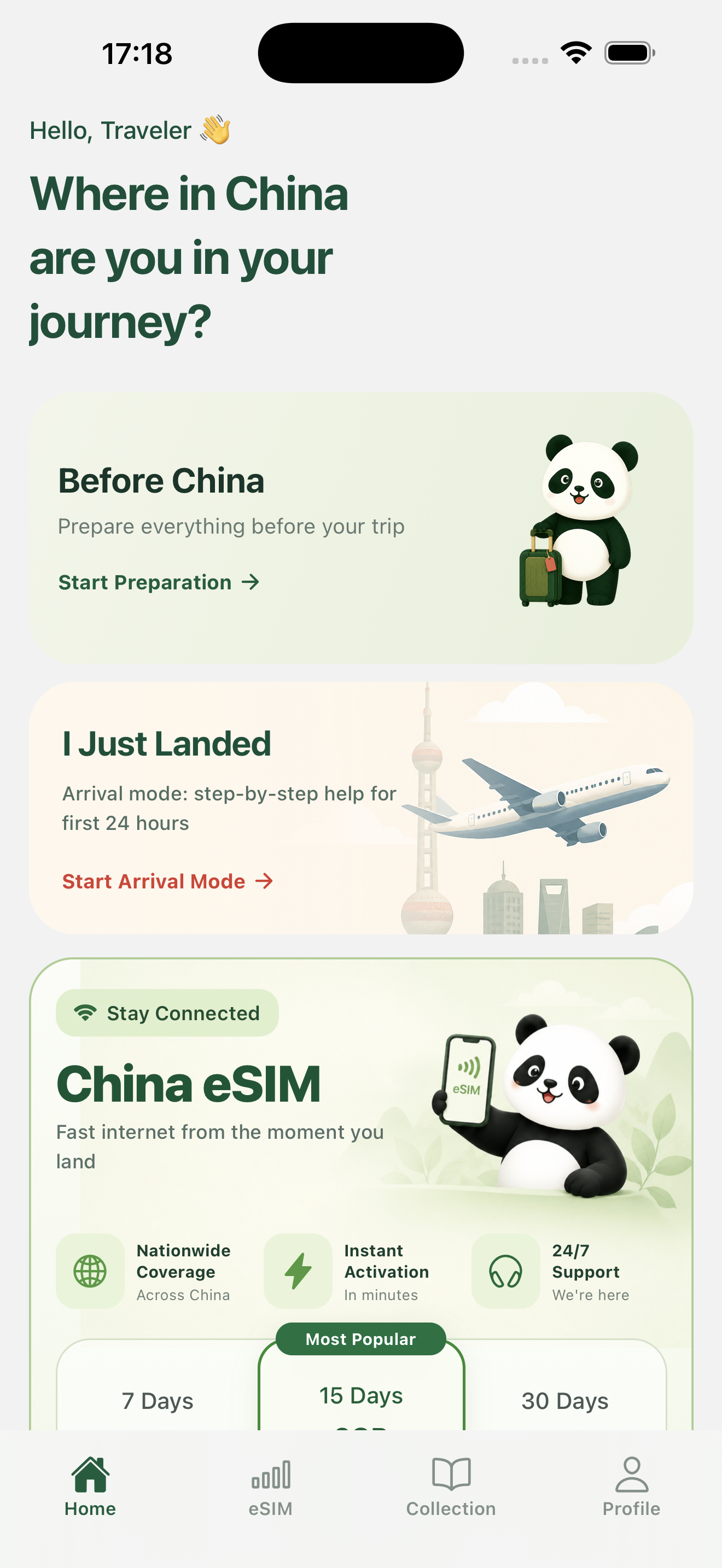
Pick your China eSIM
43 plans starting at $0.80. Choose the data & validity that fits your trip.
Online in 3 easy steps
Buy your plan
Pick the data & validity that fits your trip and pay securely with Airwallex.
Scan & install
Your eSIM QR arrives instantly by email. Scan it with your phone camera and it's installed in under a minute.
Connect on arrival
Activate when you land — automatic roaming across China. No physical SIM, no hunting for local carriers.
Test your Alipay & WeChat Pay before you go
Make sure your mobile payments work before you land in China — run a live payment test in just a few clicks.
Payment check
ChinaPaymentTest
Alipay
WeChat Pay
Questions, answered
Start from your first connection.
Please check your spam/junk folder first — activation emails are sometimes filtered there.
If you still can’t find it, email support@getchinaesim.com with your order number and we will resend it for you.
- Make sure you have selected the newly purchased eSIM as your Cellular Data (Settings → Cellular → Cellular Data → select your eSIM) and that it is “On”.
- Toggle “On” Data Roaming on the new eSIM.
- Look for network connectivity bars. If there are bars, you have connected to a tower. If you see “No Signal”, you have not yet connected to a tower.
- In case you have no signal, restart your device so you have a fresh network connection.
- If you have a signal but no data, try manually selecting the data network.
Tips:
- It can take several minutes to an hour to connect the first time.
- Turn off any VPN settings.
- Turn the eSIM on and off.
If you cannot install your eSIM, please ensure the following:
- Your device is unlocked. eSIM is not available for any locked or contracted device — contact your carrier for information about unlocking your device.
- Your device supports eSIM.
- Your device has a strong data connection — eSIM profiles must traverse a strong data network to download.
- Your device is not behind a firewall.
- Your QR code has not previously been scanned by another device.
You may have used up all your data — sometimes data usage is not measured in real time. For precise data usage, go to System Settings → Cellular to check your data consumption.
Do not delete your eSIM when you haven't used up your data.
- First, try to reinstall from the original QR code.
- If you accidentally delete your eSIM after activation, you may have to purchase a new eSIM.
Your eSIM won't be available to transfer if it has already been activated. If you haven't activated it yet, you can still install it on a different device.
HK IP plans cannot access ChatGPT and TikTok. Everything else works the same — Singapore IP plans have no such restriction.